Obsidian as an AI-Powered Second Brain with Claude Code
A practical guide to using Obsidian as your AI-powered second brain with Claude Code — automated recaps, people insights, process documentation, and more.
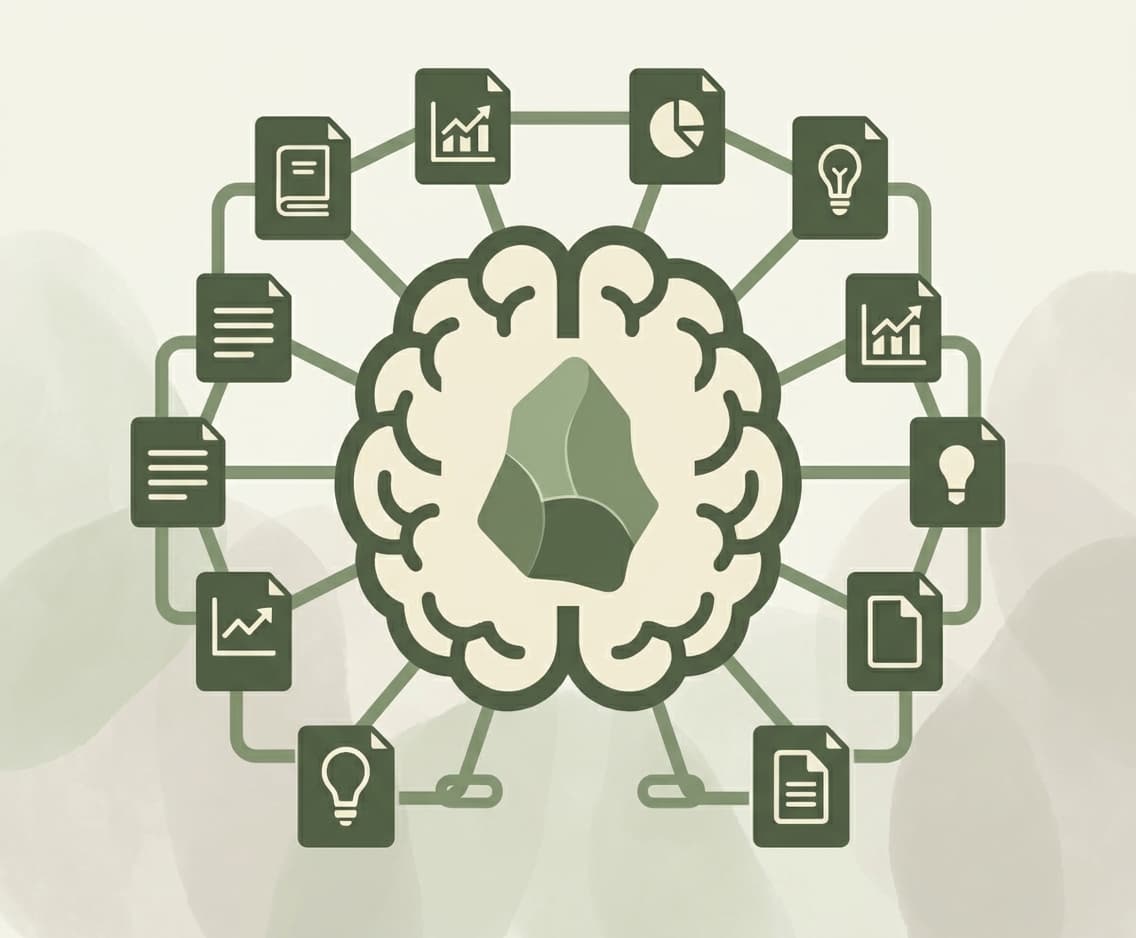
First, what the heck is it? Obsidian is a free, local-first note-taking app built on plain markdown files. "Markdown" just means text files with some formatting (headers, bold, links) that any text editor can open. No proprietary format, no lock-in. Runs on Mac, Windows, and Linux. Download it here.
Obsidian has quickly become one of my top 3 favorite tools along with Claude Code and Wispr Flow.
The "second brain"
The idea of offloading what you know into a system so your brain can think instead of remember isn't new. What's new is that the second brain can now think back.
Before AI agents, this was a fancy filing cabinet. You put notes in, told yourself you'd review them later, never did. Three months later you'd find "IMPORTANT: follow up with Dave" and have no idea which Dave. Now an agent reads everything, connects things you forgot were related, and does work on your behalf. Meeting transcripts become action items. Old notes about a colleague get surfaced before your next 1:1 so you stop asking "so what are you working on again?" The system has opinions now.
Give an AI agent your notes and it becomes useful in a way chatbots never could. Your LinkedIn feed has told you this seventeen times. I'm the eighteenth. For once, the hype is justified.
Why Obsidian
Every note-taking app stores your thoughts. Obsidian is the only one where an AI agent can actually use them.
Obsidian stores everything as markdown files in a regular folder on your computer called a vault. A coding agent like Claude Code can read, write, search, and operate on every file without an API, a database, or any special integration. You give it a CLAUDE.md that explains your vault structure, and it just... works. The files are the interface.
I have 400+ notes that Claude Code reads and writes to daily. Recaps, project docs, meeting transcripts, weekly planning. Most of it happens without me touching a keyboard.
Why not Notion / Apple Notes / Google Docs?
One question: can an AI agent work with your data?
I was an Apple Notes user for years. They are great on privacy, terrible on integration. Obsidian finally helped me make the transition off Apple Notes - They have a GREAT one press importer btw for Apple notes.
Notion is behind an API with rate limits. Apple Notes has no filesystem access. Google Docs? I've tried getting an agent to read 400 docs programmatically. It's like teaching a cat to fetch. Technically possible, mostly painful.
Obsidian is a folder. grep, read, write. Seconds. No auth tokens, no rate limits, no OAuth dance.
Obsidian has a real learning curve and it's bad at collaboration. I won't pretend otherwise. But if you want your notes to be usable by AI, not just stored somewhere hoping an integration appears, nothing else is close.
The playbook: what I actually do with it
Everything below is stuff you can steal. These aren't theoretical. They're running in my vault right now.
1. Claude Code as daily co-pilot
If you do nothing else from this post, do this one. Everything else builds on it.
Once an AI agent can read your notes, everything changes. How you structure things. How you connect ideas across projects. How you stay on track.
Obsidian + Claude makes your notes a compounding asset that gains interest over time the more you invest.
My vault now describes me as a professional: everything I've learned, every research project, every decision and why I made it. The longer I feed it, the more valuable it gets. I didn't plan that. It just happened once the notes got structured enough for Claude to actually work with them.
Claude Code lives in my Obsidian sidebar via the Claudian plugin and connects to external tools (Todoist, Linear, GitHub, Calendar, Granola, Gmail, Slite) through MCP (Model Context Protocol, basically a way for Claude to talk to other apps).
Things I've asked it this week:
- "Read my meeting transcripts for today and tell me what commitments were made. Create any followup actions in Todoist". Would have disappeared into the commitment black hole
- "What did I say I'd focus on this quarter that I haven't touched?" Uncomfortable but useful.
- "Help me think through the approach for automating this "xxxx" process in my projects folder." Brainstorming partner with full context on the project.
To get started: Install Claudian (requires Claude Code CLI and an Anthropic subscription). Ask it questions about your vault. Automation comes later.
2. Automated recaps
Every day, a Claude Code skill pulls from Granola (meeting transcripts), Todoist (tasks), Linear + GitHub (engineering), plus anything I manually logged. A structured daily summary lands in my vault. I don't write it. I skim it. Sometimes I argue with it.
The trick is Claude Code Desktop scheduled tasks. You write a "skill" (basically a reusable prompt with instructions, think of it like a recipe Claude follows) and schedule it on a cron. Mine fires every evening. Your computer has to be awake, but otherwise it's hands-off.
Note: You need Claude Code Desktop (not Cowork) because this operates on your local computer and uses obsidian-cli. Cowork runs in a sandboxed environment and can't access your local files.
First, a conversation summary skill syncs my Granola meetings into the right people folders. Then the daily recap runs and rolls everything up. Two scheduled tasks, zero manual work. Templates keep every recap consistent (daily template, weekly template).
The weekly version is where it gets spicy. Every Friday, Claude reads the dailies, journals, transcripts, Todoist, Linear, and GitHub. It calculates a focus score: what percentage of my time actually went toward what I said mattered that quarter. "You said Q2 was about product launches. You spent 60% of your week on internal tooling." Thanks, Claude. Very helpful. Last quarter it caught me quietly letting a product deadline slip for three weeks while firefighting support issues. 0% progress on the thing I told everyone was priority #1. I'm basically being parented by a markdown folder.
After the recap, I run a planning session. Pick three things for next week, triage anything off track. If I had to do any of this manually I would've quit months ago. Automation or death.
A few key skills for this system:
3. People insights
Every person I work with closely gets a folder. Yes, this sounds a little creepy. It's actually the opposite. It means I stop forgetting things people told me, which is the actually creepy behavior.
people/
└── sarah-chen/
    ├── overview.md          # role, background, working style
    ├── conversations/       # raw 1:1 transcripts from Granola
    └── summaries/           # Claude-processed structured notes
Before a 1:1, I say "summarize my last 3 conversations with Sarah" and get a real answer in seconds. I look like I've been paying attention this whole time. (I have....I promise...I just have the memory of a goldfish.) After a 1:1, the Granola transcript gets filed and summarized automatically. Over months you build a genuinely useful record of what you've discussed and committed to. Nobody has the discipline to maintain this manually. That's what the automation is for.
To copy this: One subfolder per person. Start with overview.md and a conversations/ folder.
4. Process documentation
This one's my favorite sleeper hit, and it's become the foundation of a much bigger initiative.
I've been tasked with helping our company go AI-native across as many processes as possible. That sounds like a corporate buzzword until you realize the first step is: does anyone actually know how things work around here? The answer is almost always no. It's tribal knowledge living in people's heads, undocumented, inconsistent, and invisible.
So I built an ingestion system. For every process, I record a transcript of someone walking through how it works. Claude structures it into a process doc: workflow steps, ownership, tools, pain points, AI opportunities. I add supporting documents and link to the tools involved. Each process folder becomes a complete picture.
processes/
└── pmm-pipeline-management/
    ├── overview.md          # steps, people, tools, pain points
    ├── ai-assessment.md     # friction and automation opportunities
    └── conversations/       # raw interview transcripts
The AI assessment is the key piece. Once Claude has the full process documented, it identifies where automation adds leverage and where humans are irreplaceable. That assessment becomes the blueprint for building the solution. Inventory, discover, document, solve. In that order.
We've already found countless places where we can insert AI with little to no risk, helping our team move up the value chain and focus on where they're most impactful. I expect we'll save hundreds of human hours per month, if not thousands, when we're done.
To copy this: Record a 30-minute conversation about a workflow someone does repeatedly. Ask Claude to structure it. You will learn something embarrassing about your own org. I guarantee it.
5. Sharing docs with your team via Slite
One weakness of Obsidian: it's local. Great for you, useless for your team. Slite is our company knowledge center, so I built a sync plugin that bridges the two.
The workflow is simple. I write and refine docs locally in Obsidian (where Claude can help me draft, edit, and structure them). When a doc is ready for the team, I use the plugin to push it to Slite. If someone leaves a comment or I need to pull in their edits, I pull it back down. The local copy and the Slite copy stay in sync.
This means I get the best of both worlds: Obsidian's editing power and AI integration for creating docs, Slite's sharing and search for distributing them. My team reads polished docs in Slite. Everyone wins.
PS: This works for whatever Knowledgebase your team uses - Confluence, Google Docs, etc. If you're one of those that still uses filing cabinets, we'll there's even a solution for you.
Getting started
If you've read this far, you're either genuinely interested or procrastinating. Either way, here's the move:
Download Obsidian
Download Obsidian. Free. No catch.
Clone the example vault
Clone my example vault and open it. Everything is pre-configured.
Install Claude Code + Claudian
Install Claude Code and the Claudian plugin. This one costs money. Requires an Anthropic API subscription. Worth it.
Start with one thing
Daily recaps, people folders, or just asking Claude questions about your notes. Don't try to do everything at once. That's how you end up with a beautifully organized vault you never actually use.
The other tools I mentioned (Granola, Todoist, Linear, GitHub) are only needed if you want the full automated recap pipeline. Obsidian + Claude Code gets you 80% of the value.
The magic isn't the tool. What I mean is: the value compounds. The longer you feed it, the smarter it gets about your work, your priorities, your patterns. Six months from now you'll wonder how you worked without it.
Or you'll go back to Apple Notes. No judgment. Okay, a little judgment.
My setup
Look, I know sharing your theme and hex color is peak nerd behavior. But people always ask, so here we go.
Theme: Cupertino, dark mode, accent #00884a.
Obsidian CLI: Official CLI. Search, append, apply templates, rename tags, all from the terminal. Claude Code calls it directly, which is handy for automation. Enable in Settings → General → Command line interface. Full docs.
Plugins
Obsidian has a massive plugin ecosystem. Most of them you don't need. Here are the ones I actually use.
Community (install from Settings → Community Plugins → Browse):
- Notebook Navigator — Two-pane file explorer with previews, pinned notes, rainbow folders. An ABSOLUTE must. Obsidian's default file explorer is... not great. This fixes it.
- Claudian — Embeds Claude Code in the sidebar (desktop only). The thing that makes all of the above possible.
- Git — Version control for config and plugin tracking. Because you will break something eventually.
- Omnisearch — Full-text fuzzy search that actually works. The built-in search is fine until you have more than 50 notes.
- Paste URL into Selection — Select text, paste a URL, get a markdown link. Tiny plugin, use it fifty times a day.
- Advanced URI — Deep linking from external tools and scripts. Niche but powerful.
Custom (source on GitHub):
- Auto Frontmatter — Auto-manages title, dates, tags, folder in YAML frontmatter. One less thing to think about.
- Slite Sync — Bidirectional sync with Slite team docs.
Google Drive Sync — One-way mirror to Google Drive as native Docs.
Go deeper
There's a whole corner of the internet losing its mind about this stuff. Here's where I'd start depending on what you're after.
If you want to learn Obsidian itself: Nicole van der Hoeven has hundreds of videos and a free Obsidian for Everyone course. Seriously comprehensive. Nick Milo's beginner playlist is great if you want the philosophy behind linked thinking, not just button clicks.
If you want the AI + Obsidian angle: Cole Medin's video I Built My Second Brain with Claude Code + Obsidian + Skills is the best walkthrough I've seen. His follow-up shows the system after two months of daily use, the "is this actually sustainable?" question, answered. His second-brain-skills repo is open source if you want to fork and modify.
If you want to go full mad scientist: Andrej Karpathy's LLM Wiki. 100 articles, 400K words, none written by him. Implementations for Obsidian: obsidian-wiki (cloud-based) and obsidian-llm-wiki-local (fully local with Ollama for the privacy-conscious). COG Second Brain is Claude + Obsidian + Git that evolves on its own, which is either exciting or terrifying depending on your relationship with AI.